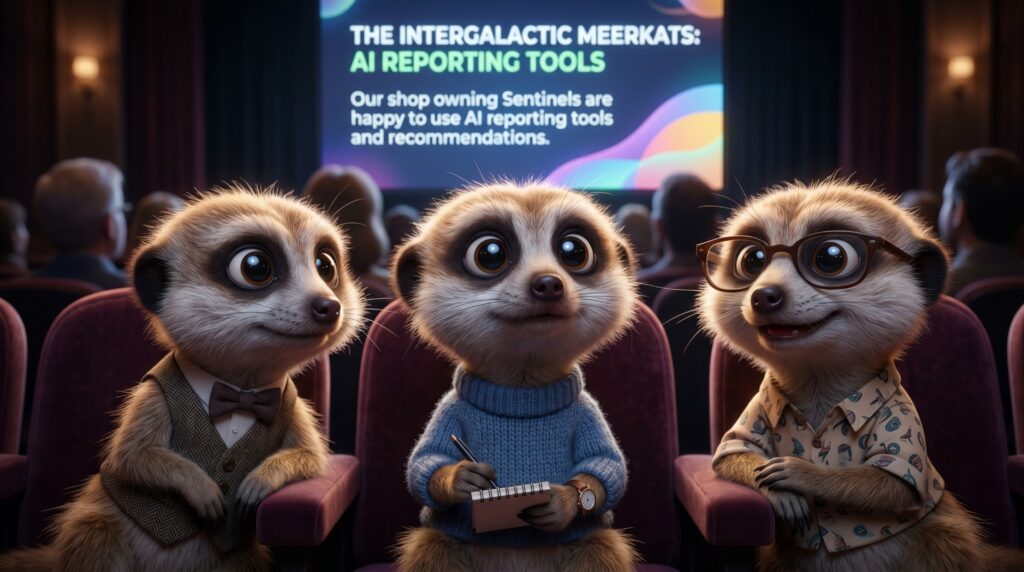
A few months ago we added something to the Sentinel Watch platform that we have been quietly testing with early users. There is now a built-in AI chat — powered by Claude, developed by Anthropic — available directly inside your account. This post explains what it actually does, what it does not do, and why we built it the way we did.
Not a FAQ Bot
The first thing worth saying is what this is not. It is not a scripted FAQ bot that matches your question against a list of pre-written answers. It is not a support ticket system dressed up with a chat interface. It is a capable AI assistant that understands natural language, reasons about complex questions, and can help you think through decisions — not just retrieve information.
What It Can Actually Do
The AI chat is connected to the Sentinel Watch platform through the same MCP server we described in our previous post. This means it has live, permissioned access to your account data. You can ask it about your camera occupancy rates, your Sentino balance, your alert configuration, your payout history, or how your rates compare to the platform average. It answers based on your actual data — not a generic response.

Practical Examples
Here are some of the things early users have been doing with it. A shop owner asked: “My Greek Taverna camera has been at low occupancy for two weeks — what should I change?” The AI checked the live platform benchmark data, compared the camera’s current hourly rate to the platform median, and recommended a specific rate increase with an explanation of why that range tends to attract more watchers. Another user asked it to summarise the last month’s payout history and flag anything unusual. It did, in seconds.
Why Claude?
We chose Claude by Anthropic because of its combination of reasoning capability, measured tone, and strong safety design. For a platform that deals with security data, business decisions, and financial information, we wanted an AI that is thoughtful rather than impulsive — one that acknowledges uncertainty rather than guessing confidently, and that handles sensitive business context with appropriate care. Claude fits that profile better than any alternative we evaluated.
Where This Is Going
The current version is a foundation. As the platform matures, the AI chat will become progressively more capable — not just answering questions, but proactively surfacing insights, suggesting optimisations, and eventually helping automate routine platform management tasks on your behalf. The goal is a platform that runs itself, within the boundaries you set, with you as the decision-maker rather than the operator.
The AI chat is available to all Sentinel Watch accounts. Open your dashboard and look for the chat icon in the bottom right corner of the screen.